
Host a FiveM Server
on STC Network
STC is Saudi Arabia's largest network with 59% market share. Whether fiber or 5G, CrystalFive bypasses network restrictions.
STC Network Issues for Hosting
| Connection Type | CGNAT | Public IP |
|---|---|---|
| STC Fiber (FTTH) | ✕ | ✕ |
| STC 5G Home Internet (FWA) | ✕ | ✕ |
Common Router: Huawei HG8245Q
Most common STC fiber router. Even with port forwarding enabled, double NAT blocks incoming connections.
Known Issues
- • Double NAT: Your router has NAT + STC's network has another NAT. Port forwarding only works at router level.
- • No public IP option: STC does not offer static public IPs for residential subscriptions.
- • Support can't help: Even if you contact STC support, they cannot remove NAT or assign a public IP.
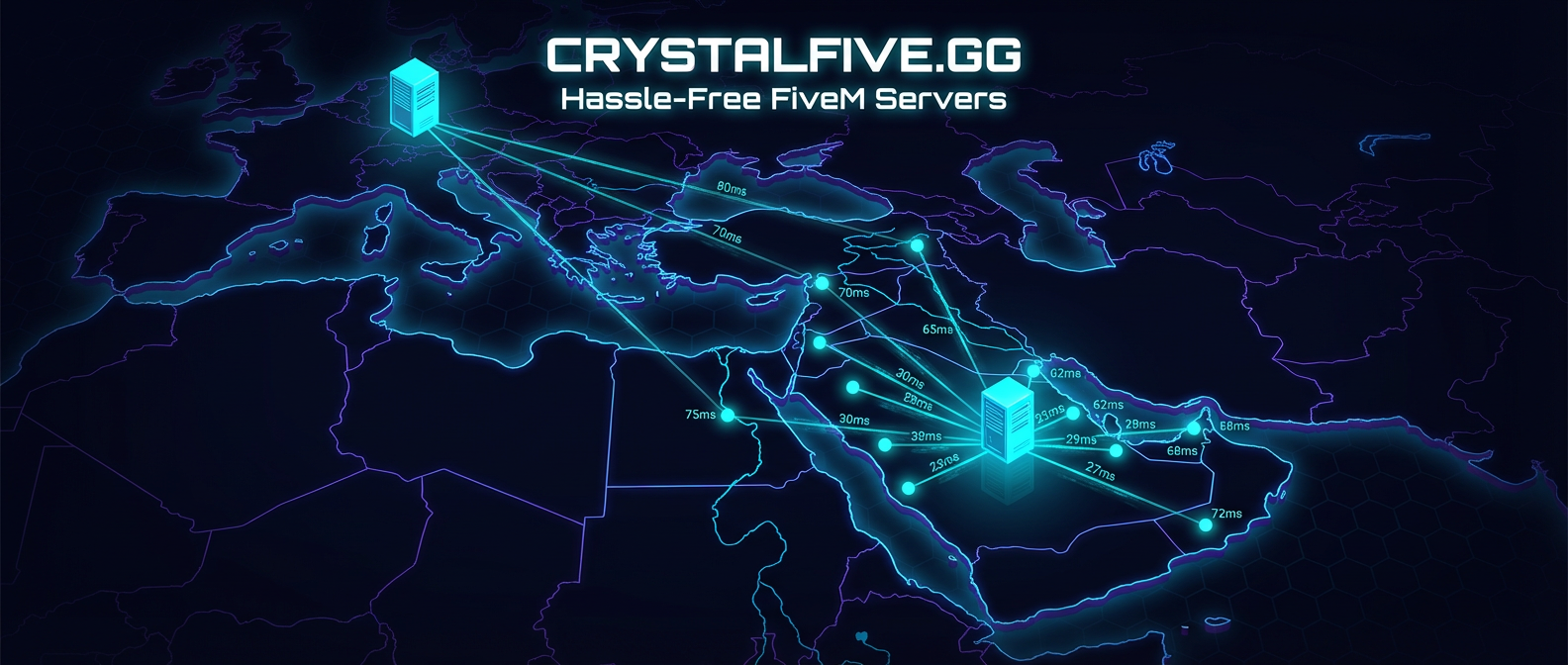
How CrystalFive Works
The problem and the solution — at a glance.
Without CrystalFive
Blocked — Ports Closed
With CrystalFive
Players Connect Successfully
How to Check if You Have CGNAT
Three simple steps to find out.
Open Your Router Settings
Go to your router's admin page (usually 192.168.1.1) and find the WAN IP address.
Check Your Public IP
Visit whatismyip.com and note the IP address shown.
Compare the Two
If the WAN IP on your router is different from whatismyip.com — you have CGNAT. Usually starts with 100.64.x.x or 10.x.x.x.
Most 5G and home internet connections in Saudi Arabia have CGNAT.
Solution Comparison
See how VPN, VPS, and CrystalFive stack up.
| Feature | VPN | VPS | CrystalFive |
|---|---|---|---|
| Port forwarding needed? | Yes | No | No |
| Files on your PC? | No | No | Yes ✓ |
| Latency added | High | Medium | ~50-80ms |
| Arabic support? | No | No | Yes ✓ |
| Monthly cost | $5-10 | $10-30 | From free |
Ready to Host?
Download the app for free and have your server running in minutes.
Free DownloadWindows 10/11 · ~50 MB · No credit card